Loading article
Back to Health Guides
Helping an Older Parent Use Telehealth
Consent, setup, medicines, support roles, and when remote care is not enough.
12 min read
·Updated 7 July 2026
·Doctor Reviewed
AHPRA Verified
In this article
- 1Start with consent and role clarity
- 2What to set up before the consultation
- 3Prepare the medicine and history context
- 4Describe what changed
- 5My Health Record and representative access
Medical information only. This article is for general information and does not constitute medical advice. Treatment decisions are made by an AHPRA-registered doctor after reviewing your circumstances.
Review
InstantMed Clinical Team
Clinical governance review for guide content
Updated
7 July 2026
General information only, not personal medical advice.
Jump to section
1Start with consent and role clarity2What to set up before the consultation3Prepare the medicine and history context4Describe what changed5My Health Record and representative access6eScripts, pharmacies, and follow-up7When telehealth may fit, and when it should not wait8After the consultation9Common mistakes to avoid10FAQ11Sources Used In This Guide
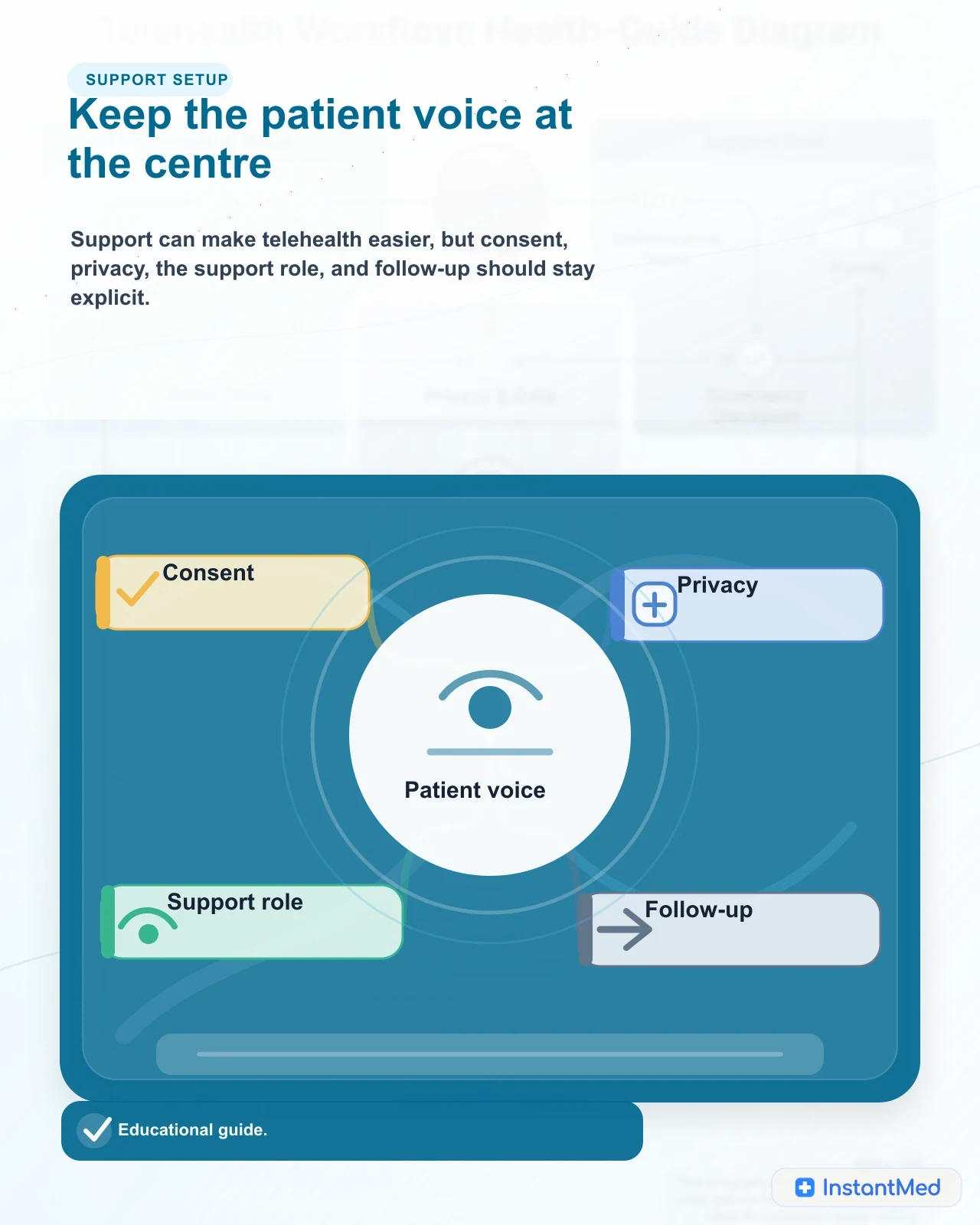
Helping an older parent use telehealth can be useful, but the role needs to be clear. You can help with technology, a current medicine list, symptom history, records, questions, pharmacy details, and follow-up. You should not take over the consultation unless your parent wants that help or you have legal authority to act for them.
Telehealth works best for older people when it protects three things at the same time: the patient's autonomy, the doctor's clinical signal, and the safety boundary for problems that need in-person or urgent care.
Start with consent and role clarity
Age alone does not remove a person's right to make decisions or control health information. The Australian Charter of Healthcare Rights includes access, safety, respect, partnership, information, privacy, and the right to give feedback. Those rights still apply when a consultation happens online and a family member is helping.
Before the consultation, agree on the support role.
| Support role | What it can include | Boundary to keep |
|---|---|---|
| Technology helper | Setting up the device, joining the call, checking audio, helping with forms | Do not use your own details as if you are the patient |
| Memory and context helper | Medicine list, symptom timeline, recent changes, questions, GP and pharmacy details | Let the patient answer when they can |
| Communication support | Repeating questions, taking notes, helping with hearing, vision, language, or anxiety | Tell the doctor who is present |
| Carer or authorised decision helper | Explaining daily function, care needs, medication routines, safety concerns | Formal authority may be needed if the patient cannot decide |
| Follow-up coordinator | Helping with eScripts, documents, tests, appointments, or GP summary | Confirm what the patient wants shared |
Carer Gateway notes that carers may help the person they care for when attending appointments with doctors or other health professionals. In telehealth, that help can be just as valuable, but it should be visible to the doctor and agreed by the patient.
What to set up before the consultation
Do the setup before your parent is unwell if possible. A rushed setup during symptoms often creates avoidable stress.
| Setup item | Practical check | Why it matters |
|---|---|---|
| Contact details | Confirm the patient's phone and email, and who can access them | eScripts, links, documents, and follow-up may go there |
| Device | Charged phone, tablet, or laptop with camera/microphone if video is used | Prevents wasted clinical time |
| Privacy | Quiet space, closed door, no unexpected listeners | Sensitive health information may be discussed |
| Accessibility | Larger text, volume, hearing aids, glasses, captions if available, written notes | Helps the patient participate directly |
| Records | Medicine list, allergies, recent results, letters, discharge summary, GP details | Gives the doctor usable context |
| Backup route | Phone number, support contact, local urgent-care option | Useful if technology fails or symptoms are not suitable for telehealth |
The best device is usually the one your parent already uses. A tablet can be easier for video because the screen is larger, but a phone call may be safer than a video call that your parent cannot operate.
Prepare the medicine and history context
Medicine safety is often the most important preparation step for older people. Healthdirect notes that older people are more likely to have medicine-related problems and that a current medicine list helps healthcare providers know what the person is taking.
Prepare:
- prescribed medicines, strength, dose, and timing
- over-the-counter medicines
- inhalers, eye drops, creams, patches, injections, and occasional medicines
- vitamins, supplements, and herbal products
- allergies and what reaction occurred
- recent starts, stops, dose changes, missed doses, or side effects
- pharmacy name and whether Webster packs or dose administration aids are used
- recent falls, dizziness, confusion, sleepiness, constipation, appetite change, or swallowing difficulty
This matters because older people may have several conditions, several prescribers, and medicines that interact or increase falls, confusion, bleeding, low blood pressure, or dehydration risk. Do not stop or change medicines without medical advice, but do flag concerns clearly.
Describe what changed
For older patients, "not quite right" can matter. The doctor needs to know what changed from baseline, not only what symptom label fits.
Useful context includes:
| Change to describe | Examples |
|---|---|
| Function | Eating less, sleeping more, not walking usual distances, needing more help, missing tablets, not managing stairs |
| Thinking or behaviour | New confusion, agitation, withdrawal, unusual sleepiness, hallucinations, sudden memory change |
| Mobility | Fall, near fall, new weakness, unsteadiness, dizziness, pain on walking |
| Hydration and intake | Drinking less, vomiting, diarrhoea, fever, reduced urine, dry mouth, inability to keep medicines down |
| Breathing or circulation | Shortness of breath, chest pain, blue lips, fainting, swelling, palpitations |
| Medicine changes | New medicine, dose change, missed doses, double dose, side effect concern |
A support person can help because they may notice daily changes the patient has normalised or forgotten. Still, the patient should be asked directly where possible.
My Health Record and representative access
My Health Record is separate from a telehealth provider's own clinical record. A family member does not automatically get access to an older person's My Health Record.
The Australian Digital Health Agency distinguishes between nominated representatives and authorised representatives. A nominated representative is invited by the person or their authorised representative to view or help manage a record. An authorised representative may have complete access and control when the person lacks capacity and the representative has authority to act on their behalf.
Medicine context
A clear medicine and context map helps the clinician see what changed, what is risky, and who should receive follow-up.
| Access type | What it means | Practical implication |
|---|---|---|
| Patient manages their own record | The older person controls access and settings | Help only with permission |
| Nominated representative | The person invites someone to view or help manage their record | Useful for trusted carers when the patient retains control |
| Authorised representative | Applies where the person lacks capacity and the representative has authority | Requires evidence and should follow the person's will and preferences |
| Provider record | The telehealth service's own clinical record | Access and correction requests go through the provider, not My Health Record alone |
If you are helping because your parent cannot manage information independently, sort out access before it is urgent. Do not assume a login, email inbox, or phone in your possession gives you lawful access to every health record.
eScripts, pharmacies, and follow-up
Electronic prescriptions can be practical for older people, but the handoff needs to be clear. Healthdirect explains that an eScript is sent by SMS or email as a link to a token, and the token is taken to a pharmacist. A trusted person can also receive or forward a token to help collect medicines.
Before the consultation ends, confirm:
- the correct phone number or email for any token
- whether the patient or support person will manage the token
- which pharmacy will dispense the medicine
- whether delivery, packing, or dose administration support is needed
- what to do if the token is deleted or sent to the wrong place
- whether the usual GP or pharmacist needs a summary
If your parent uses multiple medicines, consider asking their GP or pharmacist about a medicines review. Healthdirect says people taking multiple medicines can ask for regular medicine reviews, and an up-to-date medicine list helps make sure medicines are reviewed.
When telehealth may fit, and when it should not wait
Telehealth can help with some non-urgent, well-described issues, medicine questions, follow-up discussions, and care coordination. It should not replace in-person care where examination, vital signs, procedures, or urgent observation are needed.
Decision guide
Choose the safest care route for an older parent
May fit telehealth
- The issue is non-urgent, your parent can participate, and the doctor can assess the problem from history, records, photos when appropriate, or video observation.
- You have consent, a medicine list, allergies, recent changes, GP and pharmacy details, and a clear follow-up plan.
- The consultation is for advice, care coordination, stable follow-up, or a problem where the doctor can safely decide whether remote care is enough.
Needs in-person care
- The problem needs physical examination, vital signs, wound care, injections, imaging, pathology, ear/eye examination, cognitive assessment, or close observation.
- Symptoms are new, complex, worsening, recurrent, or the doctor cannot tell what is happening remotely.
- Hearing, vision, cognitive, language, privacy, technology, or support needs mean the patient cannot participate safely online today.
Urgent care
- Chest pain, severe breathing difficulty, stroke symptoms, collapse, severe allergic reaction, severe bleeding, seizure, severe sudden pain, or rapidly worsening symptoms.
- New confusion, serious fall, severe weakness, dehydration, high fever with deterioration, inability to keep fluids down, or a major medicine error.
- There is immediate risk of self-harm, violence, neglect, coercion, or unsafe home circumstances.
After the consultation
Telehealth support does not end when the call or form review ends. Older patients may need help turning the plan into action.
| Aftercare item | What to clarify |
|---|---|
| Plan | What was decided, what remains uncertain, and what to do first |
| Warning signs | What changes should trigger urgent or in-person care |
| Medicine action | New medicine, stopped medicine, changed dose, side effects to watch, pharmacist involvement |
| Documents or tests | Where they arrive, who receives them, and who follows up results |
| Usual GP | Whether a summary should be sent or an appointment booked |
| Support role | Who helps with reminders, transport, pharmacy, monitoring, or messages |
Urgent boundary
New confusion, falls, weakness, chest pain, breathing trouble, or dehydration need urgent or in-person care rather than routine telehealth.
Write the plan down in plain language. If several family members are involved, agree who is responsible for each next step. Multiple helpers without one owner can create missed appointments, duplicated messages, or medicine confusion.
Common mistakes to avoid
Do not create an account in your own name for your parent's healthcare. Do not answer every question for them if they can answer. Do not hide new confusion, falls, medicine errors, or deterioration because you want to avoid a hospital visit. Do not assume a routine prescription or certificate request is safe if the situation has changed.
Also avoid making telehealth the only care plan. For older people, continuity with a usual GP, pharmacist, specialists, community services, My Aged Care, and carers may matter more than any single consultation. Telehealth should add access and coordination, not fragment care.
FAQ
Can I set up telehealth for my older parent?
You can help with technology, medicine lists, records, and follow-up, but the consultation should still be in your parent's name and with their consent unless you have legal authority to act for them. Being family does not automatically give you access to their health information.
Can I speak to the doctor during my parent's telehealth consultation?
Usually yes if your parent agrees. The doctor should know who is present and should still involve your parent as much as possible. If your parent cannot make decisions, formal authority or representative arrangements may be needed.
What should I prepare for an older person's telehealth review?
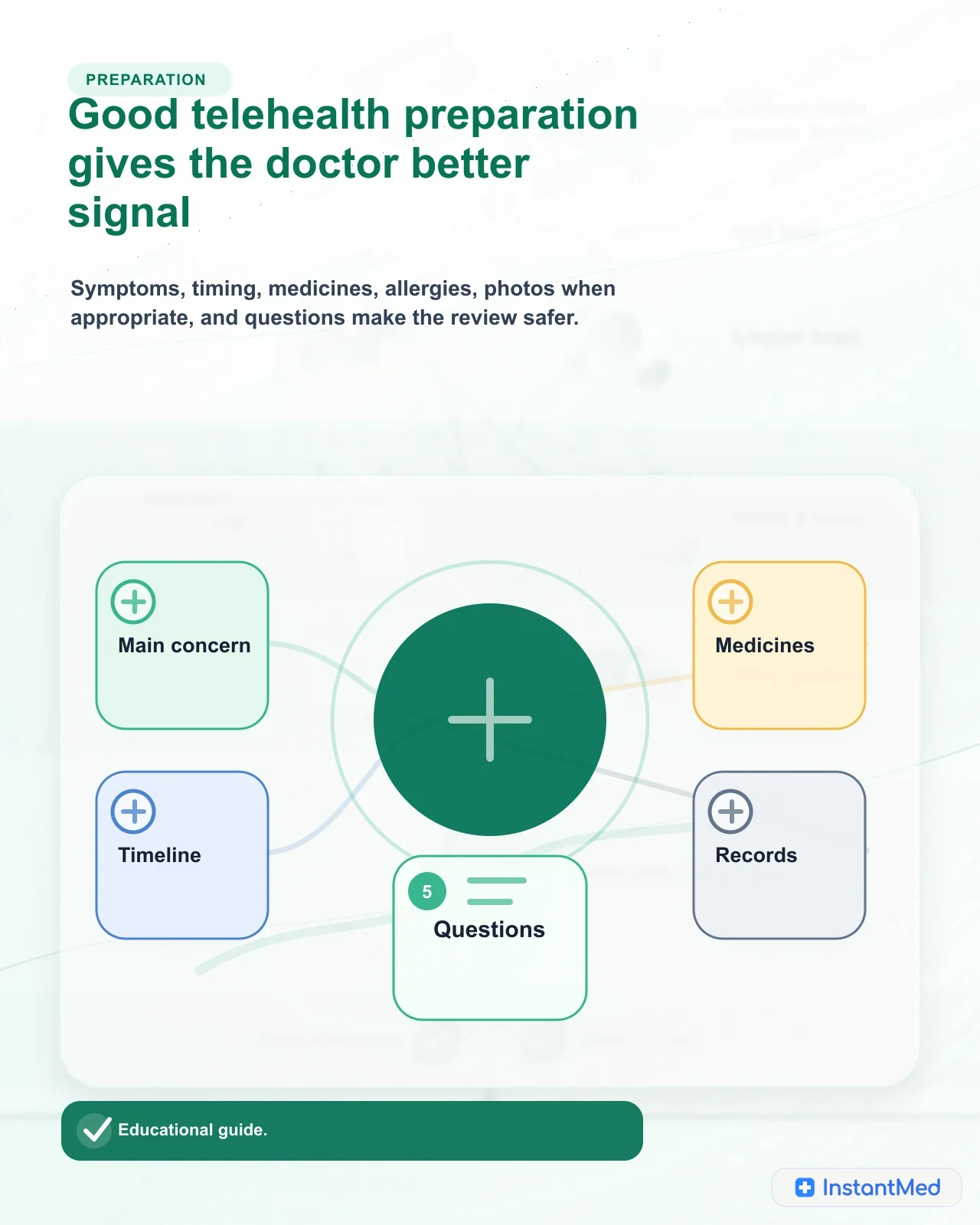
Prepare the main concern, symptom timeline, current medicines, allergies, recent changes, usual GP and pharmacy details, relevant results or letters, support needs, and warning signs. A current medicine list is especially important for older people.
Is phone telehealth enough for older patients?
Sometimes. Phone may be suitable for clear, non-urgent issues where examination is not needed. Video can help when observation, communication cues, or a support person matter. In-person care is still needed when examination, vital signs, procedures, or urgent assessment are required.
What symptoms should not wait for routine telehealth?
Chest pain, severe breathing difficulty, stroke symptoms, collapse, severe allergic reaction, new confusion, serious falls, severe weakness, dehydration, severe pain, uncontrolled bleeding, or rapidly worsening symptoms should use urgent or emergency care.
Sources Used In This Guide
- Medical Board of Australia: Telehealth consultations with patients
- Australian Commission on Safety and Quality in Health Care: Understanding your healthcare rights
- Carer Gateway: Going to a health appointment
- Healthdirect: Medicines safety for older people
- Australian Digital Health Agency: Authorised representatives
- Australian Digital Health Agency: Nominated representatives
- Healthdirect: eScript electronic prescription
- My Aged Care: How to get assessed
- OAIC: Health information
Frequently Asked Questions
Can I set up telehealth for my older parent?
You can help with technology, medicine lists, records, and follow-up, but the consultation should still be in your parent's name and with their consent unless you have legal authority to act for them. Being family does not automatically give you access to their health information.
Can I speak to the doctor during my parent's telehealth consultation?
Usually yes if your parent agrees. The doctor should know who is present and should still involve your parent as much as possible. If your parent cannot make decisions, formal authority or representative arrangements may be needed.
What should I prepare for an older person's telehealth review?
Prepare the main concern, symptom timeline, current medicines, allergies, recent changes, usual GP and pharmacy details, relevant results or letters, support needs, and warning signs. A current medicine list is especially important for older people.
Is phone telehealth enough for older patients?
Sometimes. Phone may be suitable for clear, non-urgent issues where examination is not needed. Video can help when observation, communication cues, or a support person matter. In-person care is still needed when examination, vital signs, procedures, or urgent assessment are required.
What symptoms should not wait for routine telehealth?
Chest pain, severe breathing difficulty, stroke symptoms, collapse, severe allergic reaction, new confusion, serious falls, severe weakness, dehydration, severe pain, uncontrolled bleeding, or rapidly worsening symptoms should use urgent or emergency care.
InstantMed Medical Team
Related Articles
12 min read
How to Prepare for a Telehealth Consultation
A practical Australian checklist for preparing for telehealth: symptoms, medicines, allergies, records, privacy, support people, questions, follow-up, and urgent-care boundaries.
InstantMed Medical Team
11 min read
How Telehealth Safety Screening Works
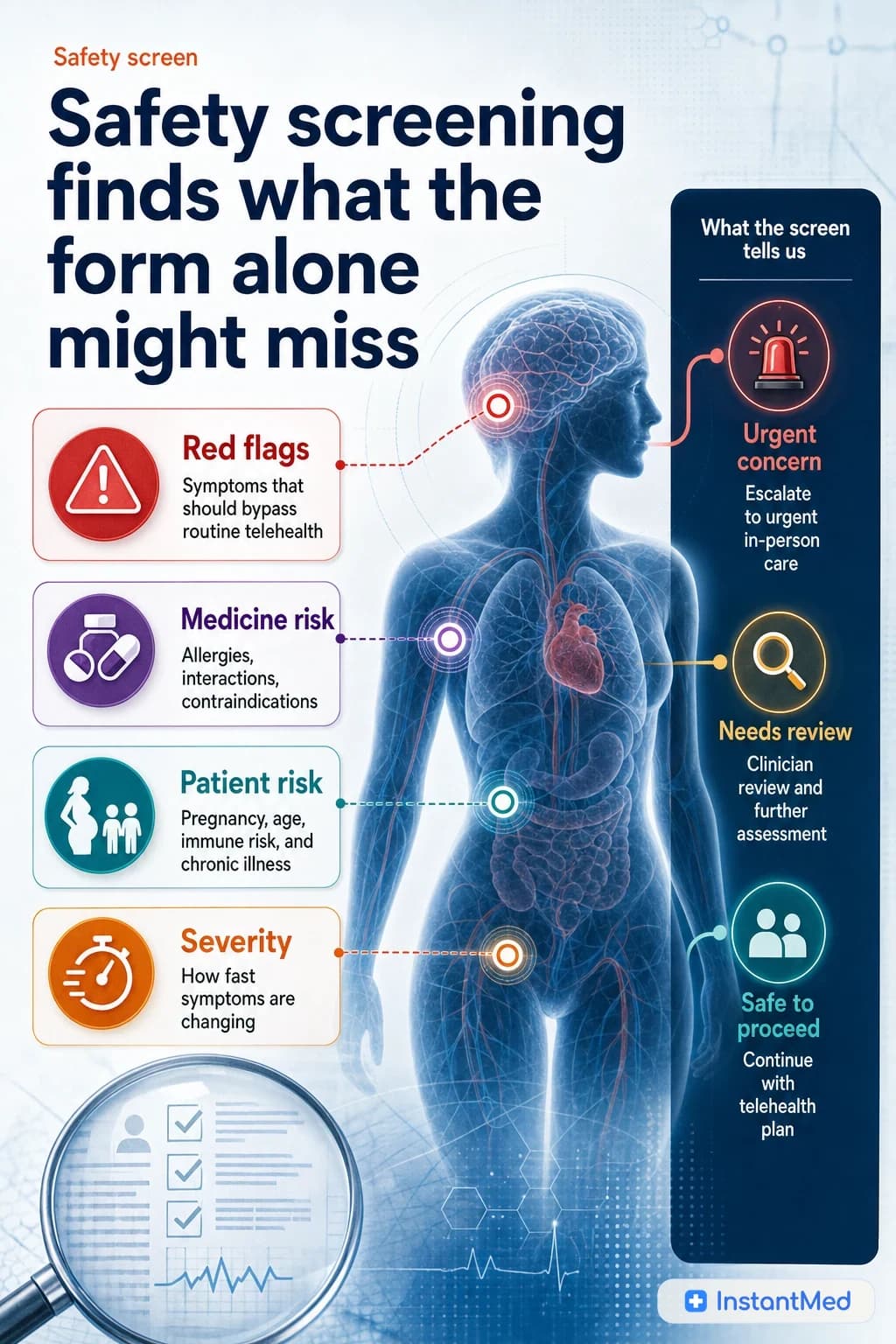
Telehealth safety screening is the clinical filter that decides whether remote care is suitable. It checks symptoms, red flags, medical history, medicines, identity, privacy, and escalation needs before an online outcome is given.
InstantMed Medical Team
12 min read
Telehealth Medical Records in Australia
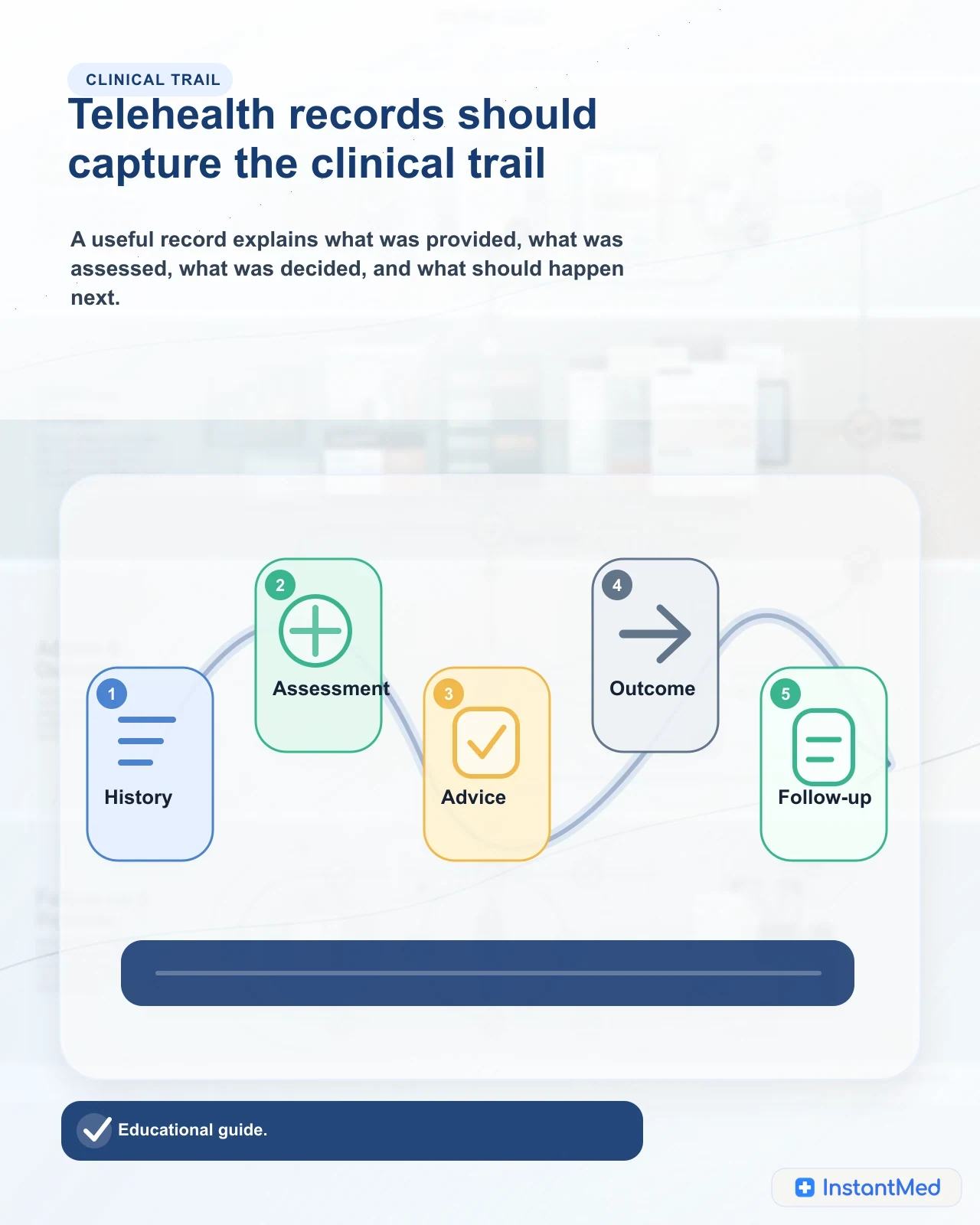
A practical guide to telehealth medical records, privacy boundaries, retention rules, My Health Record, and continuity of care in Australia.
InstantMed Medical Team